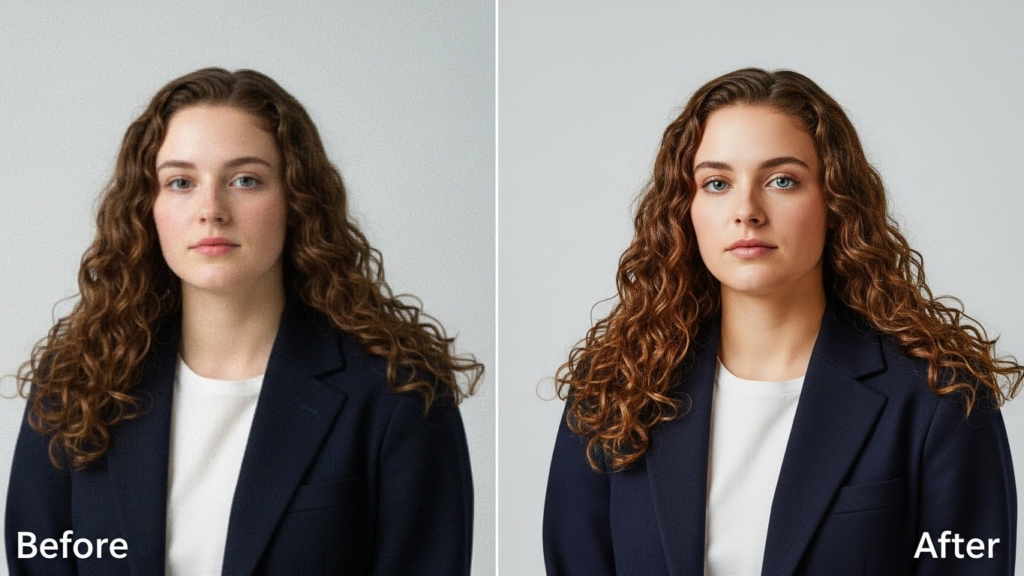

Upscaling SD content has become increasingly common as streaming services and digital platforms demand higher resolution videos. However, converting standard-definition (SD) videos into high-definition (HD) or 4K without proper techniques can seriously compromise video integrity. SD video upscaling may seem like a simple solution to modernize older content, but when done improperly, it introduces artifacts, blurring, and unnatural textures that can ruin the viewing experience.
Image Prompt: “A comparison of SD video vs improperly upscaled HD video, highlighting blurring and artifacts.”
What is SD Video Upscaling?
SD video upscaling is the process of increasing the resolution of standard-definition footage, typically from 480p or lower, to HD (720p/1080p) or Ultra HD (4K). The main goal is to make older videos compatible with modern screens while attempting to preserve as much original quality as possible.
Upscaling does not add new information to the video. Instead, it estimates and fills in missing pixels using algorithms, which can often result in visual inaccuracies. If the upscaling process is not carefully executed, these errors are magnified on larger screens.
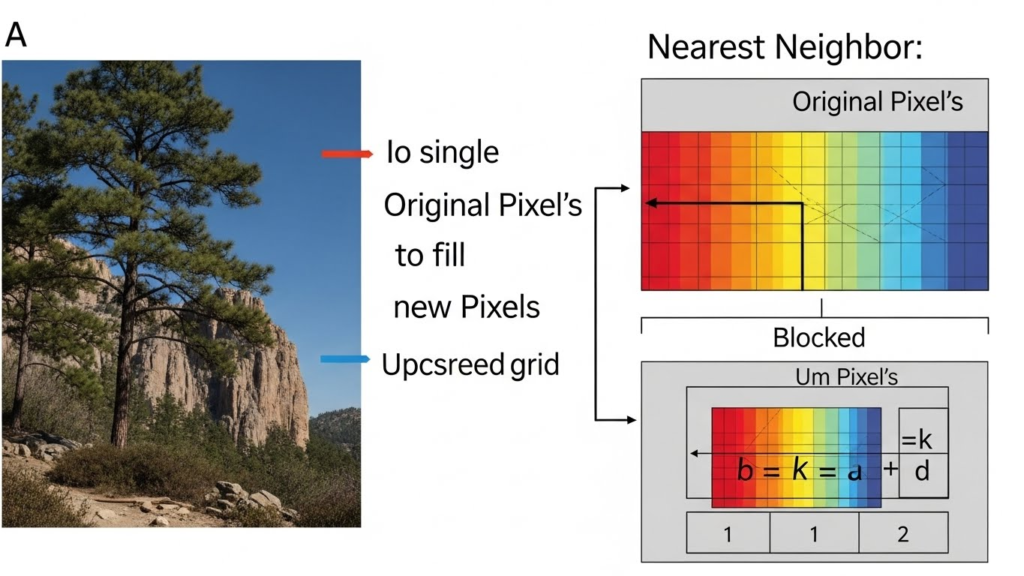
Common Problems Caused by Improper Upscaling
- Blurring and Loss of Detail
One of the most noticeable issues is a loss of sharpness. SD videos have a limited pixel count, so when stretched to HD or 4K, fine details such as text, facial features, or textures become soft and blurry. - Artifacts and Noise
Poor upscaling methods often produce digital artifacts like blockiness, ringing, or jagged edges. This is especially evident in fast-moving scenes, where motion blur from SD footage is exaggerated. - Unnatural Edges and Over-sharpening
Some software attempts to artificially sharpen SD footage. While this may seem beneficial, it can create unnatural outlines around objects, making the image look cartoonish or distorted. - Color Distortion
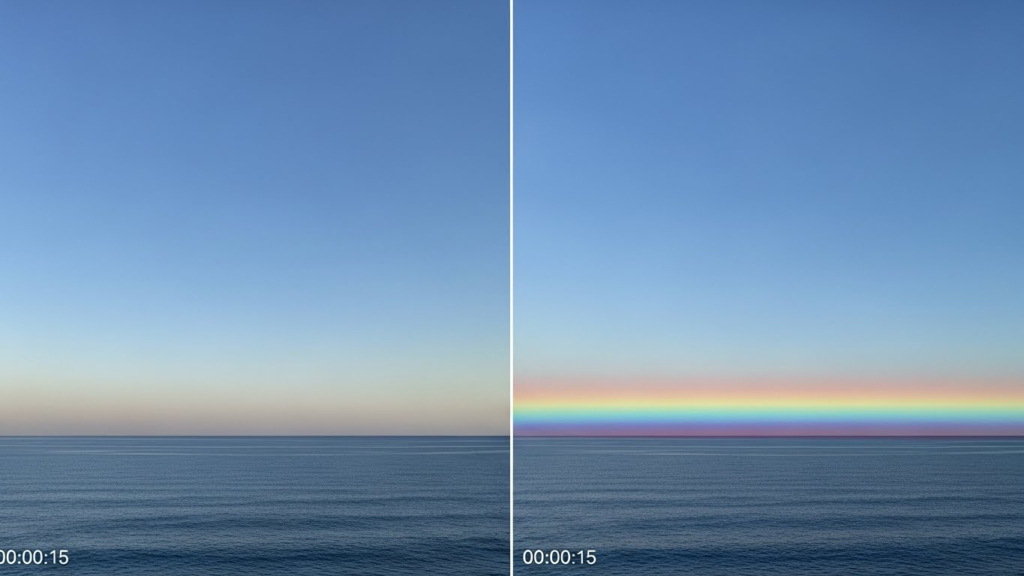
Upscaling can affect color gradients, leading to banding or incorrect hues. SD footage already has limited color data, so improper interpolation can cause noticeable shifts in skin tones, skies, and backgrounds.
Why Native Resolution Matters
Preserving the original resolution is often better than aggressive upscaling. Native SD content was created with a specific pixel structure, and forcing higher resolution without proper reconstruction risks losing the director’s intended look. Filmmakers and video archivists stress that sometimes maintaining SD quality with clean playback is preferable to adding artificial detail that diminishes authenticity.
Best Practices for SD Video Upscaling
- Use Advanced AI Upscaling Tools
Modern AI-driven software analyzes patterns and textures in SD footage and predicts missing details. Tools like Topaz Video Enhance AI or Adobe’s AI-based enhancements produce better results than simple bicubic or bilinear scaling. - Preserve the Original Aspect Ratio
Avoid stretching the video horizontally or vertically. Maintaining the original aspect ratio prevents distortion of objects and scenes. - Reduce Noise Before Upscaling
Cleaning the video by removing grain, scratches, or other SD-era noise can improve the accuracy of upscaling algorithms. - Avoid Over-Sharpening
Gentle sharpening is acceptable, but excessive sharpening can produce unnatural edges and exaggerate artifacts. - Test at Different Display Sizes
Always preview upscaled content on the intended screen size. A video that looks acceptable on a small monitor may show glaring flaws on a large 4K TV.

Case Study: SD Upscaling in Classic Movies
Classic films often suffer when upscaled without care. For example, early 90s movies shot in SD can appear overly soft and grainy when converted to HD for streaming platforms. Fans notice unnatural textures on clothing, faces, and backgrounds, reducing immersion. By contrast, professionally remastered versions using AI and color grading techniques manage to enhance clarity while retaining the film’s original charm.
Conclusion
SD video upscaling is not just a technical process; it’s a delicate balance between improving resolution and preserving authenticity. Improper upscaling can damage video integrity, creating blurred, noisy, or artificially sharp visuals that distract viewers. Leveraging AI-based tools, respecting native resolution, and carefully enhancing details can transform SD content for modern platforms without compromising its original quality.
In an age where audiences expect crystal-clear visuals, understanding the limitations of SD video and the potential pitfalls of poor upscaling is crucial for filmmakers, content creators, and streaming services alike.