
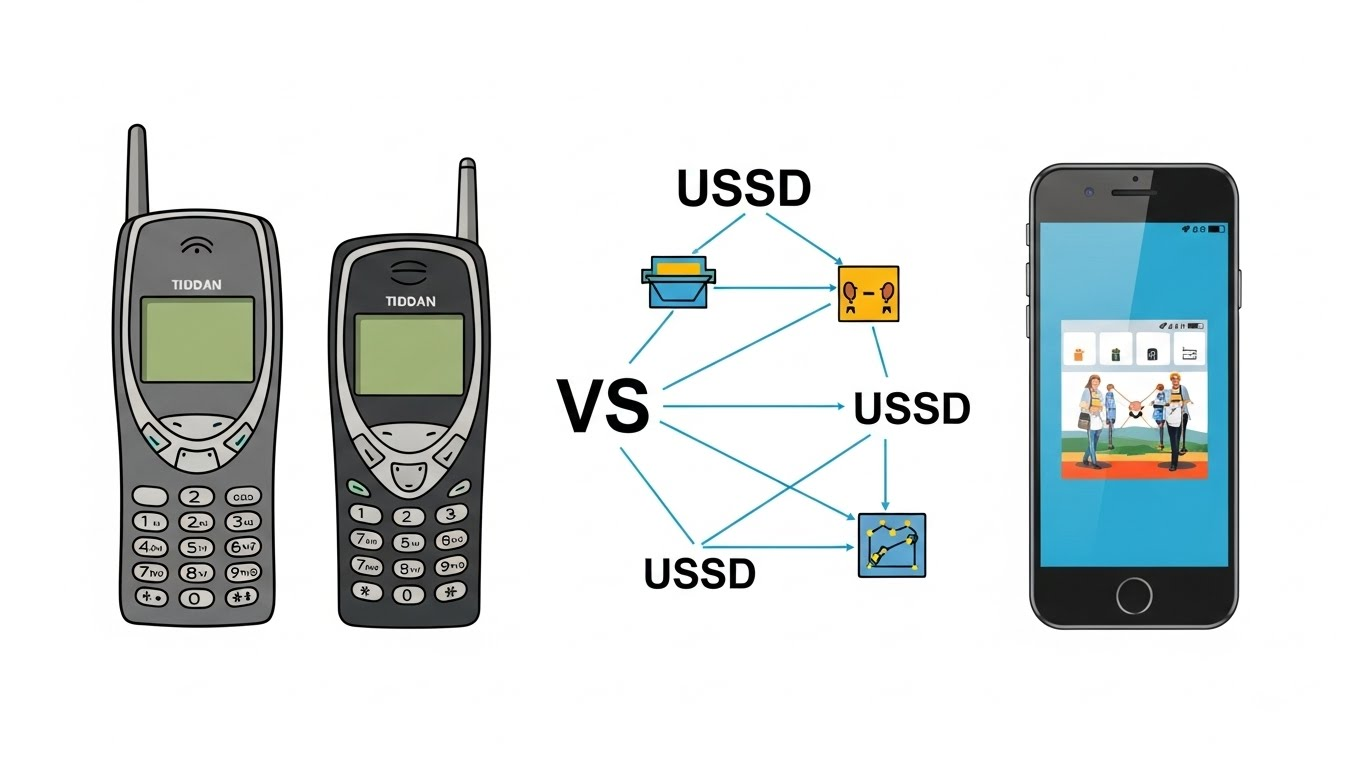
Introduction: What Is USSD Session and Why It Still Matters
USSD (Unstructured Supplementary Service Data) is one of the oldest yet most widely used technologies in mobile networks. Even today, millions of people rely on USSD every day to:
- Check mobile balance
- Activate packages
- Subscribe or unsubscribe from services
- Use basic mobile banking and account control features
Despite the rise of mobile apps, USSD remains important because it works on any phone, does not require internet, and is fast when designed correctly.
However, many users experience sudden errors such as “session expired” or “request timed out”, even when they respond quickly. To understand why this happens, we must first understand how a USSD session actually works behind the scenes.
What Happens When You Dial a USSD Code?
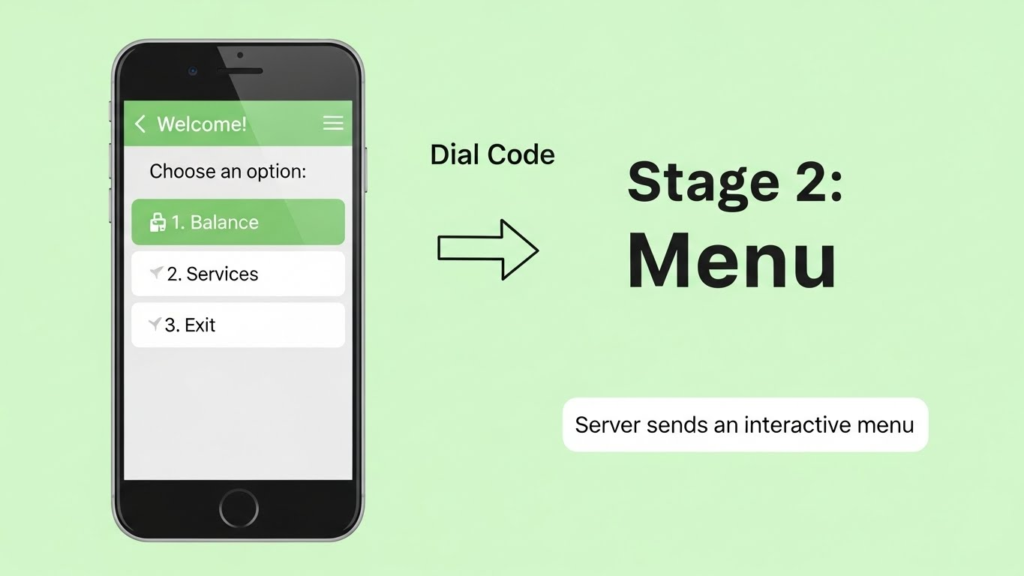
When you dial a USSD code like *123#, several things happen almost instantly:
- Your phone sends the request to the mobile network
- The network routes it to a USSD Gateway
- The gateway forwards it to a backend application (billing, CRM, or service platform)
- A menu response is sent back to your phone
At this exact moment, a USSD session starts.
This session is a temporary, live communication channel between your phone and the operator’s system.
What Is a USSD Session?
A USSD session is a real-time, interactive connection that stays open while you navigate menus.
Unlike SMS:
- USSD is not stored
- It is not delayed
- It exists only while the session is active
Once the session ends, all context is lost.
How USSD Menus Work Step by Step
A typical USSD flow looks like this:
- User dials the main code
- Network shows Menu 1
- User replies with an option number
- Network shows Menu 2
- User replies again
- Process continues until completion or exit
All these steps happen inside the same session, identified internally by a unique session ID.
As long as the session stays alive, the system remembers:
- Where you are in the menu
- What you selected earlier
What Is a USSD Session Timeout?
A USSD session cannot stay open forever. Mobile networks enforce time limits called session timeouts.
There are two main types of timeouts:
1. User Inactivity Timeout
If the user does not reply within a set time, the session ends automatically.
Typical values:
- 15 to 30 seconds (modern systems)
- 5 to 10 seconds (older systems)
2. Maximum Session Duration
Even if the user keeps responding, the session has a maximum lifetime.
Typical values:
- 90 to 180 seconds
- Some modern systems allow up to 300 seconds
Why Were USSD Timeouts Originally So Short?
USSD was designed in the 1990s, when:
- Phones had small screens
- Menus were very short
- Services were simple
- Networks had limited capacity
At that time, USSD was mainly used for:
- Balance checks
- Simple service activation
So short sessions made sense.
The Problem: Old USSD Design in a Modern World
Today, USSD is used for much more complex services, such as:
- Mobile wallets
- Banking and account management
- Government services
- Identity verification
These services require:
- Multiple steps
- Long inputs (account numbers, IBANs, CNICs)
- Thinking time for users
But many operators still use legacy timeout settings, which are no longer suitable.
How a Session Is Supposed to Stay Alive
In a properly designed USSD system:
- Every valid user response resets or refreshes the session timer
- The system waits long enough for user input
- The backend responds within guaranteed limits
This allows smooth navigation through multiple menus.
If this does not happen, the session may expire even while the user is actively responding.
What Happens When a USSD Session Expires?
When a session expires:
- The network immediately closes the connection
- The backend discards all session data
- The user sees:
- “Session expired”
- “Request timed out”
- Or the menu simply disappears
If the user tries again, a new session starts from the beginning.
Why Full USSD Codes Often Work Better
Many users dial full USSD paths like:
*123*1*4#
This sends the entire request in one single transaction.
Because:
- There is no menu navigation
- No waiting between steps
- No long user input
The session finishes quickly, and timeout problems are not noticeable.
This is why many users never realize there is a deeper USSD design problem.
Why Step-by-Step Menus Reveal the Real Issue
When users navigate menus step by step, the system must:
- Keep the session alive
- Remember previous choices
- Wait for user input
If timeout values are too aggressive or timers are not refreshed properly, the session collapses.
This becomes especially problematic in:
- Banking
- Payments
- Account control services
Why USSD Still Matters (If Designed Correctly)
Despite its problems, USSD is still extremely valuable because:
- It works on feature phones
- It does not need internet
- It is fast and lightweight
- It supports financial inclusion
The problem is not USSD itself, but how it is configured and managed.
Conclusion
USSD sessions are simple in concept but sensitive in execution. They were designed decades ago for small menus and quick actions. Today, they are being forced to handle complex services without proper modernization.
Understanding how USSD sessions start, stay alive, and expire is the first step toward identifying why many services fail — especially in critical areas like mobile banking.
In the next article of this series, we will examine how poor USSD session handling directly breaks modern services and why users experience random session expiry even when responding on time.