
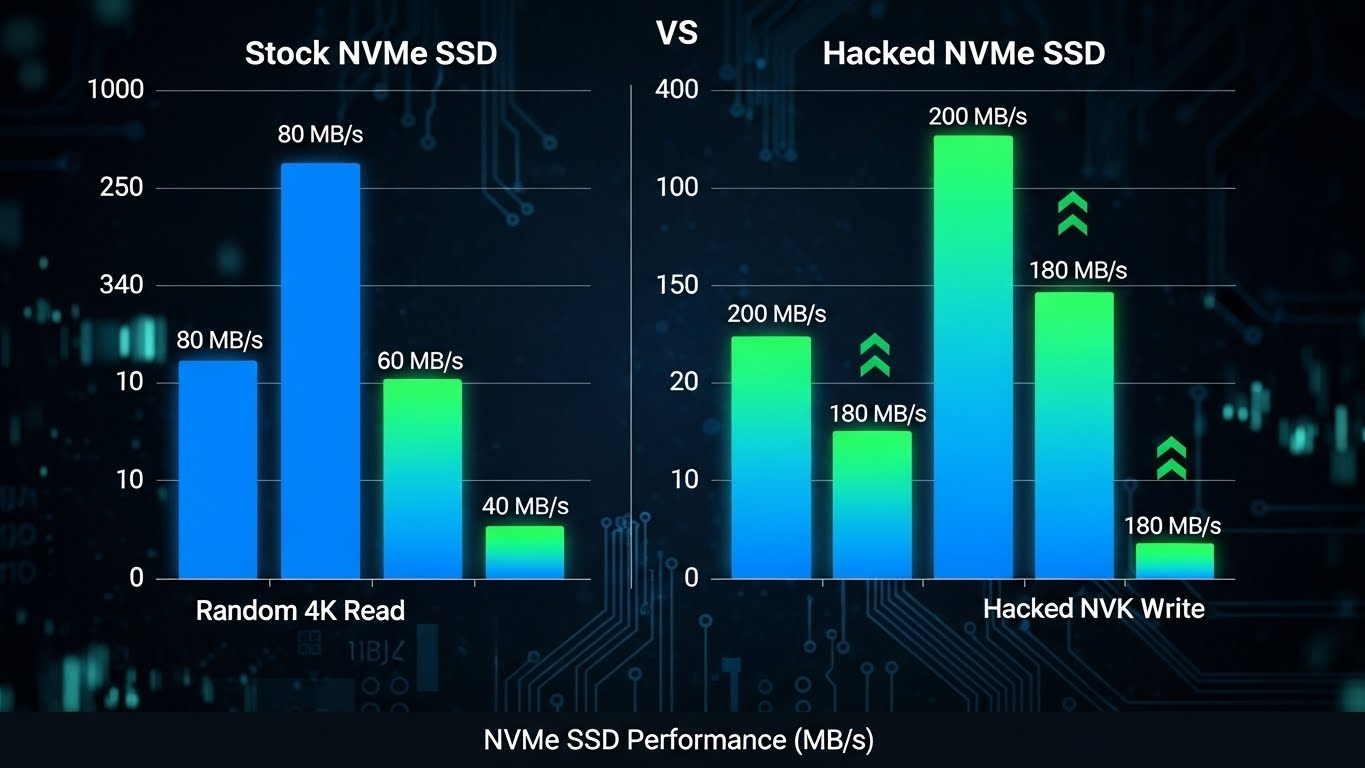
Windows 11 users have long dealt with NVMe SSDs operating under legacy SCSI emulation, which limits the full potential of modern drives. This emulation layer adds extra latency and consumes additional CPU cycles, preventing users from experiencing the full speed advantages of high-end NVMe SSDs. A recent discovery in the tech community allows enthusiasts to unlock a native NVMe driver, originally meant for Windows Server 2025, via a simple registry tweak.
By bypassing the SCSI emulation, this tweak enables direct communication with the NVMe protocol, significantly improving random read/write operations. Early benchmarks show up to 85% improvement in certain workloads, particularly in IOPS-heavy tasks like gaming, virtualization, and database operations. While sequential file transfers see modest gains, system responsiveness, application launches, and multitasking performance are noticeably enhanced, making this a valuable optimization for tech-savvy Windows 11 users who want to push their SSDs to the limit.
How the Hack Works
Microsoft’s servers already enjoy native NVMe support, eliminating the extra SCSI emulation layer. For consumer Windows 11:
- NVMe drives are typically treated like older SCSI devices.
- This adds latency and consumes extra CPU cycles during random I/O operations.
- The registry tweak forces Windows 11 to use the server-grade NVMe driver.
- Drives appear under “Storage Media” in Device Manager, confirming native mode activation.
Performance Improvements
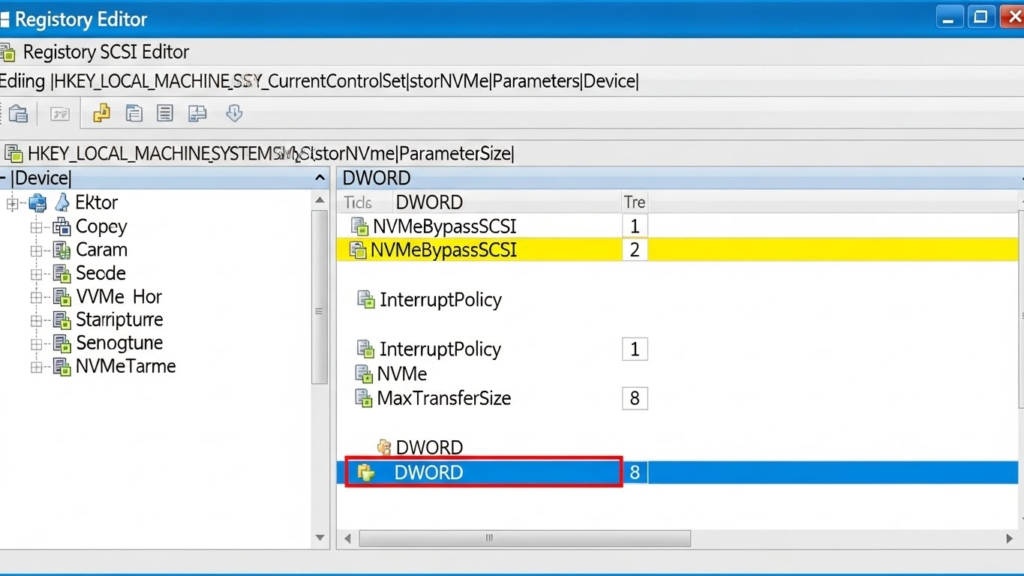
Benchmarks highlight the significant improvements in random IOPS-heavy workloads, while sequential speeds remain similar:
| SSD Model | Benchmark | Stock | Hacked | Improvement | Notes |
|---|---|---|---|---|---|
| SK Hynix Platinum P41 2TB | AS SSD Overall Score | 10,032 | 11,344 | +13% | 4K writes +16%, 4K-64Thrd writes +22% |
| SK Hynix Platinum P41 2TB | Random 4K Read (Q=32,T=1) | 785 | 1,031 | +31% | Minimal sequential changes |
| Crucial T705 4TB | Random 4K Write | Not specified | Up to 85% | +85% | Tested in MSI Claw 8 AI+ handheld |
| Samsung 990 Pro | Random 4K Read (Q=1,T=1) | 93.8 | 100.2 | +7% | Multi-threaded gains up to 31% |

Step-by-Step Implementation
Warning: Always back up your system and test on non-critical setups first.
- Open an elevated Command Prompt.
- Run the following commands to add the DWORD values:
reg add HKEY_LOCAL_MACHINE\SYSTEM\CurrentControlSet\Policies\Microsoft\FeatureManagement\Overrides /v 735209102 /t REG_DWORD /d 1 /f
reg add HKEY_LOCAL_MACHINE\SYSTEM\CurrentControlSet\Policies\Microsoft\FeatureManagement\Overrides /v 1853569164 /t REG_DWORD /d 1 /f
reg add HKEY_LOCAL_MACHINE\SYSTEM\CurrentControlSet\Policies\Microsoft\FeatureManagement\Overrides /v 156965516 /t REG_DWORD /d 1 /f
- Restart your PC.
- Check Device Manager → your NVMe SSD should appear under Storage Media.
No additional downloads are needed, as the driver is already built into Windows 11.
Risks and Compatibility
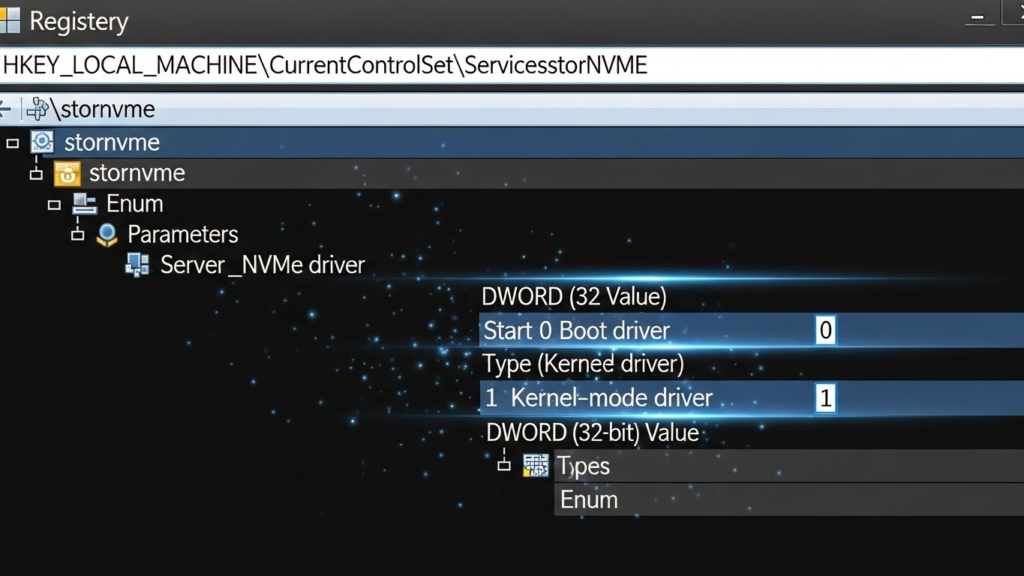
While this tweak is powerful, it comes with caveats:
- Instability Risks: May change disk IDs, disrupt backups, or cause temporary data loss.
- Compatibility Issues: Third-party SSD tools may fail to detect the drive properly.
- Hardware Dependent: Not all SSDs or configurations benefit equally.
- Official Support: Microsoft designed this for enterprise, not consumer PCs.
Community feedback suggests testing on secondary or non-critical systems before attempting on primary machines.
Real-World Benefits
- Gaming & Apps: Faster loading times and reduced latency in IOPS-heavy applications.
- Virtualization & Databases: Noticeable gains for professionals managing VMs or heavy database operations.
- General Users: Minimal impact on sequential file transfers.
Linux users already enjoy native NVMe support without modifications, making this primarily valuable for Windows 11 enthusiasts and tech-savvy users.

Conclusion
This Windows 11 NVMe hack unlocks a server-grade driver for consumer PCs, delivering impressive performance in random workloads. While 10–15% gains are common in everyday tasks, specialized workloads can see up to 85% improvement. Tech-savvy users handling IOPS-intensive operations may find it valuable, but the risks require caution and backups.
For the latest discussions and community insights, check threads on Reddit and X (formerly Twitter).