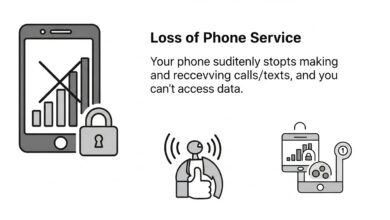

Many Android users worry about hacking — but one of the biggest real dangers today is SIM swapping. In this attack, scammers trick your mobile company into issuing a new SIM card in their phone. Once they get control of your number, they can reset your email, bank accounts, WhatsApp, and even crypto wallets.
This guide explains why Android users are often considered more vulnerable, and exactly how you can prevent SIM swapping on Android in simple, beginner-friendly steps.

Why Are Android Users Seen as More at Risk?
It’s not because Android is unsafe — the real reason is:
1. More Android Users Worldwide
Because Android is used by 70–75% of global smartphone users, scammers target Android users more.
2. Many People on Android Do Not Enable Security Features
Android gives many security options, but beginners often skip them.
3. Use of Cheap or Unsecure Apps
Some low-rated apps misuse permissions, making SIM swap easier.
4. More SIM-based Banking in Developing Countries
In countries like Pakistan, India, Nigeria, and Bangladesh, Android users heavily rely on OTPs — making them a bigger target.
Real Story 1: Karachi Crypto Trader Lost ₹7 Lakh
A crypto trader from Karachi shared that he did not secure his Gmail. A scammer called pretending to be from “Jazz Support,” and within 20 minutes:
- His SIM got disconnected
- Gmail recovered by attacker
- Binance password changed
- Crypto drained
The attacker simply impersonated him using basic personal information.
Lesson: Without Android’s security features enabled, even one fake call can lead to a SIM swap.
Real Story 2: Indian Freelance Writer Saved Herself Just in Time
A Mumbai writer noticed her Android phone lost network suddenly at 1 AM. She immediately:
- Used Wi-Fi to open her bank app
- Enabled account freeze
- Contacted Airtel support chat
- Got SIM protected with “High Security Lock”
Her quick action prevented a loss.
Lesson: Loss of network suddenly = major red flag.
Prevent SIM Swapping on Android
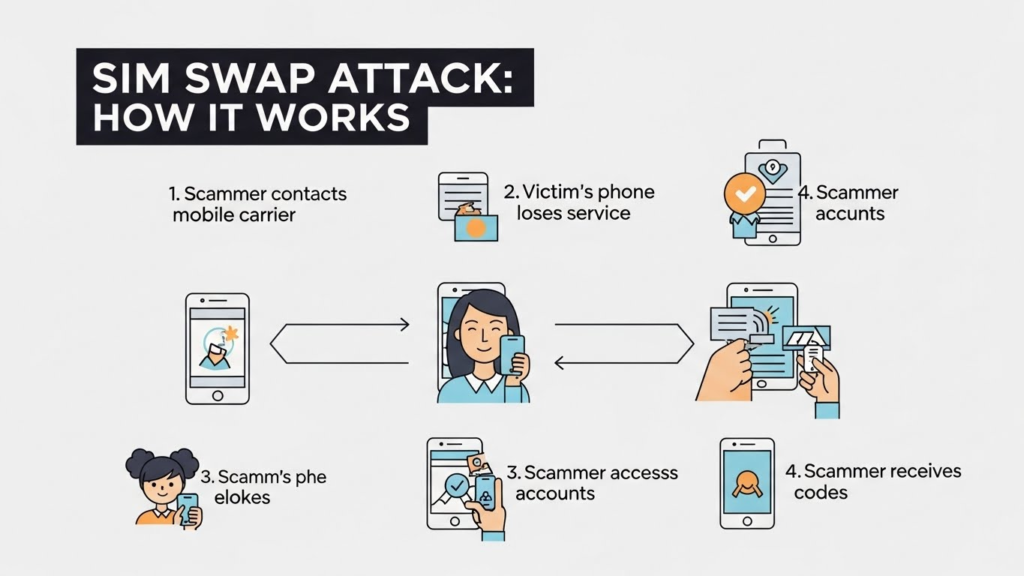
How SIM Swapping Happens (Beginner Friendly)
- Scammer collects your data (CNIC, name, phone number)
- They call your mobile operator pretending to be you
- They say “My SIM is lost, please issue duplicate”
- Network on your phone stops working
- They now receive all your OTP codes
- They reset your accounts and steal money/data
Simple but very dangerous.
How to Prevent SIM Swapping on Android (Simple and 100% Beginner Friendly)
1. Enable a Strong Android Screen Lock
Use PIN + Fingerprint instead of pattern.
Patterns are easier to guess from smudge marks.
2. Remove Phone Number From Account Recovery (If Possible)
Most people don’t know this — but Google now allows email-only recovery.
- Go to Google Account → Security → Recovery
- Remove phone number
- Add two recovery emails
This reduces reliance on SIM.
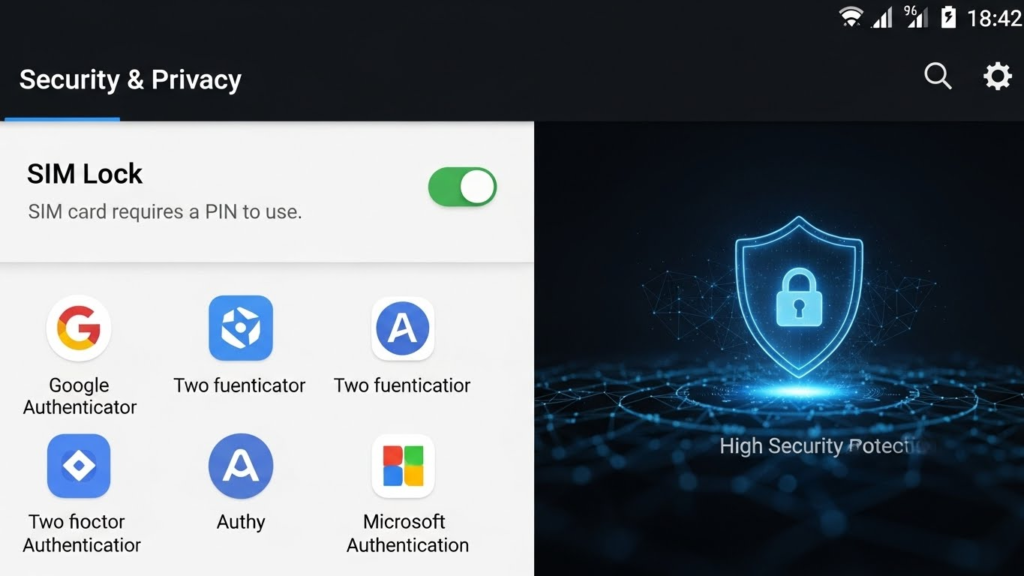
3. Use Authenticator Apps Instead of OTP
For banking, Gmail, Facebook, Binance, etc., use:
✔ Google Authenticator
✔ Microsoft Authenticator
✔ Authy
OTP-based 2FA is the easiest target for SIM swap.
4. Set Up SIM Lock / eSIM Lock
This is the strongest protection for Android.
How to enable:
- Open Settings
- Go to Security
- Tap SIM Card Lock
- Enable Lock SIM Card with PIN
Now your SIM is useless to attackers.
5. Turn on Android’s Built-In “Find My Device”
This alerts you for suspicious activity and allows network-based security actions.
6. Never Share CNIC / Last 4 Digits of Number
Scammers use basic identity information to convince mobile companies.
7. Avoid Installing Unknown APK Files
Many SIM-hijacking apps come from forwarded WhatsApp APK links.
8. Put a “High Security Flag” on Your SIM (Carrier Request)
Every mobile operator has an internal high-security lock system:
- Jazz → “Ownership Protection”
- Zong → “Customer Verification Lock”
- Telenor → “High Security Profile”
- Ufone → “Number Protection Service”
This makes SIM replacement extremely difficult.
Warning Signs of a SIM Swap Attack
If you notice any of the following, take action immediately:
- No network on your Android phone
- Only emergency calls available
- Bank apps showing logout notifications
- Gmail login alerts from unknown locations
- WhatsApp automatically logged out
If this happens:
Immediate Actions
- Connect to Wi-Fi
- Change all passwords
- Freeze bank accounts
- Contact your carrier to block SIM
- Enable 2FA everywhere
Final Words
Android users are not weak — but scammers target them more due to wider usage and weaker security habits. With just 5–6 simple protections, you can completely prevent SIM swapping on Android and secure your digital identity.
Stay safe. Stay smart. Stay protected.