
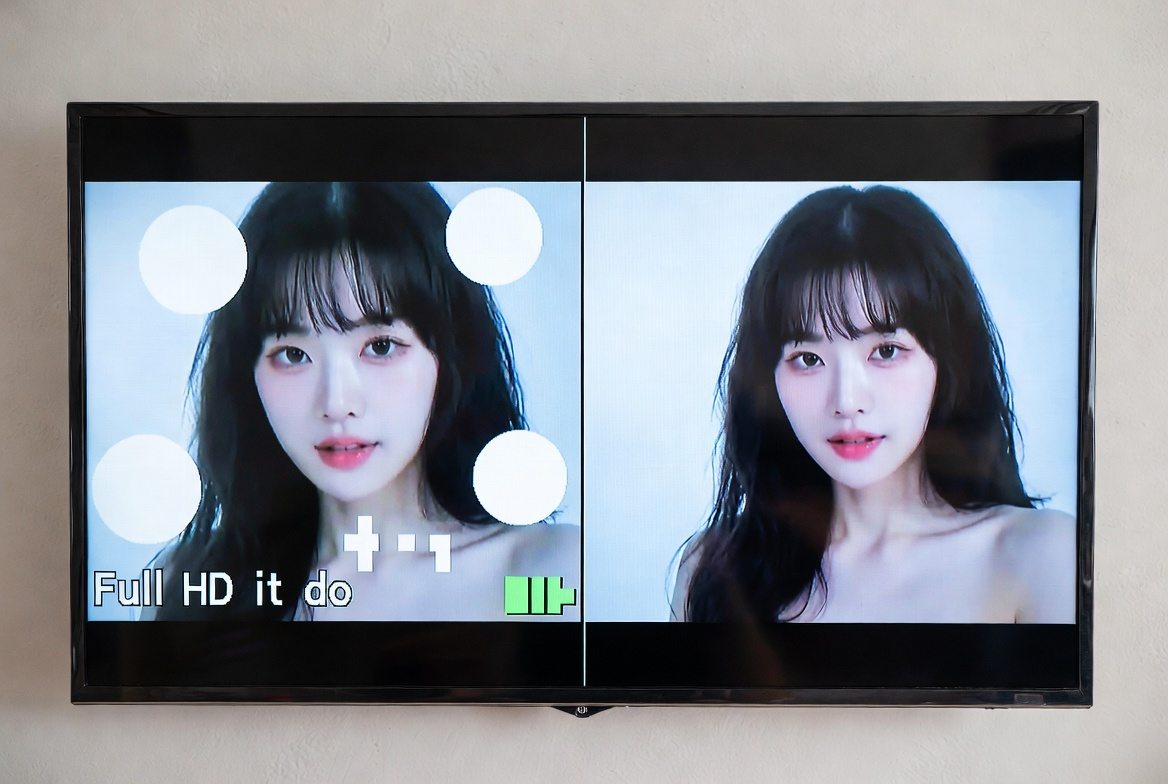
In the world of HD and 4K broadcasting, viewers naturally expect sharp, detailed visuals that reflect the original content. However, a common mistake persists in both satellite channels and online platforms like YouTube: fit-to-screen stretching of videos.
This practice compromises the quality of videos, especially when low-resolution content is forced to fill high-definition screens. To truly preserve original video quality, it’s crucial to understand why fit-to-screen isn’t a solution and what alternatives are more effective.
The Problem with Fit-to-Screen
Fit-to-screen is a method where videos are scaled to completely fill a display screen, regardless of their original resolution or aspect ratio. While it may make content appear larger, it introduces several issues:
- Distortion of Shapes: Objects, circles, logos, and text may appear stretched or skewed.
- Blurred Details: Low-resolution videos lose clarity when stretched to fill HD or 4K screens.
- Incorrect Aspect Ratio: Original proportions are lost, making visuals inaccurate.
Even modern satellite receivers and streaming platforms with auto-scaling cannot fully correct these distortions if the source video was originally low-resolution.
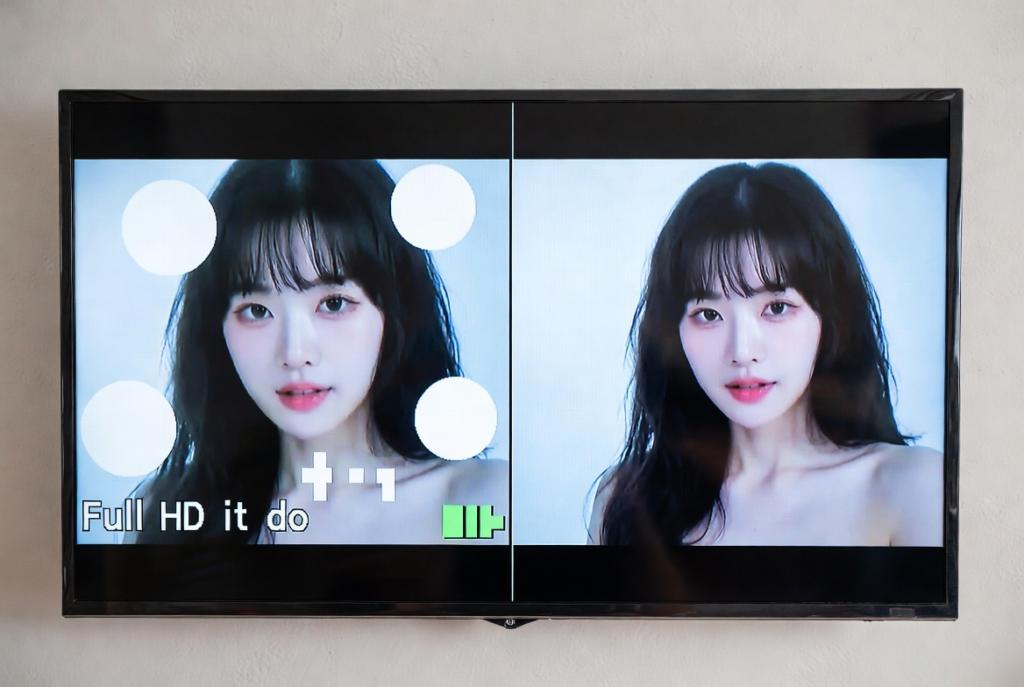
Why Fit-to-Screen Fails Technically
The root of the problem lies in the upscaling process. When a 480p or SD video is scaled to 720p or 1080p, software adds pixels artificially.
- Pixels are interpolated, meaning new pixels are estimated based on surrounding ones.
- Fine details and textures that never existed in the original video cannot be recreated.
- This leads to blurred edges, distorted shapes, and loss of clarity.
In simple terms: stretching a video does not create real detail—it just stretches what’s already there, often ruining the original look.
Real-World Examples
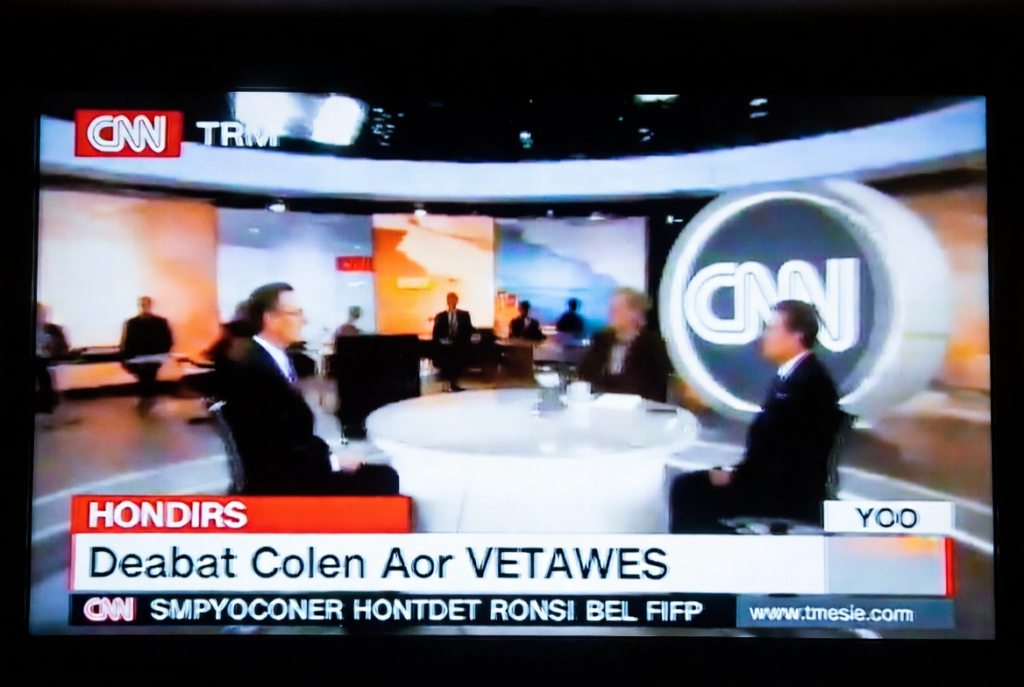
Many channels, especially in South Asia, face this problem due to legacy content libraries. Channels like Geo News, Express News, and Samaa TV often broadcast SD videos in HD formats using fit-to-screen stretching.
The result is:
- Text and logos appearing unnaturally wide or tall
- Graphics losing crispness
- Important details in news broadcasts or sports highlights becoming unclear
Globally, even YouTube videos face the same problem when older SD content is upscaled without maintaining original aspect ratio.
Conceptual Understanding: Convenience Over Quality
The prevalence of fit-to-screen is often due to cutting corners in video production and broadcasting. Reasons include:
- Filling the entire screen without leaving black bars (pillarboxing or letterboxing)
- Reducing production or editing effort
- Quick adaptation for HD or 4K broadcast standards
While convenient, this approach sacrifices the core principle: preserve original video quality. Viewers notice the difference, especially when details matter, as in educational, news, or sports content.
How to Preserve Original Video Quality
- Maintain Original Resolution:
- Always use the original or target broadcast resolution (HD, Full HD, or 4K) when producing content.
- Pillarboxing and Letterboxing:
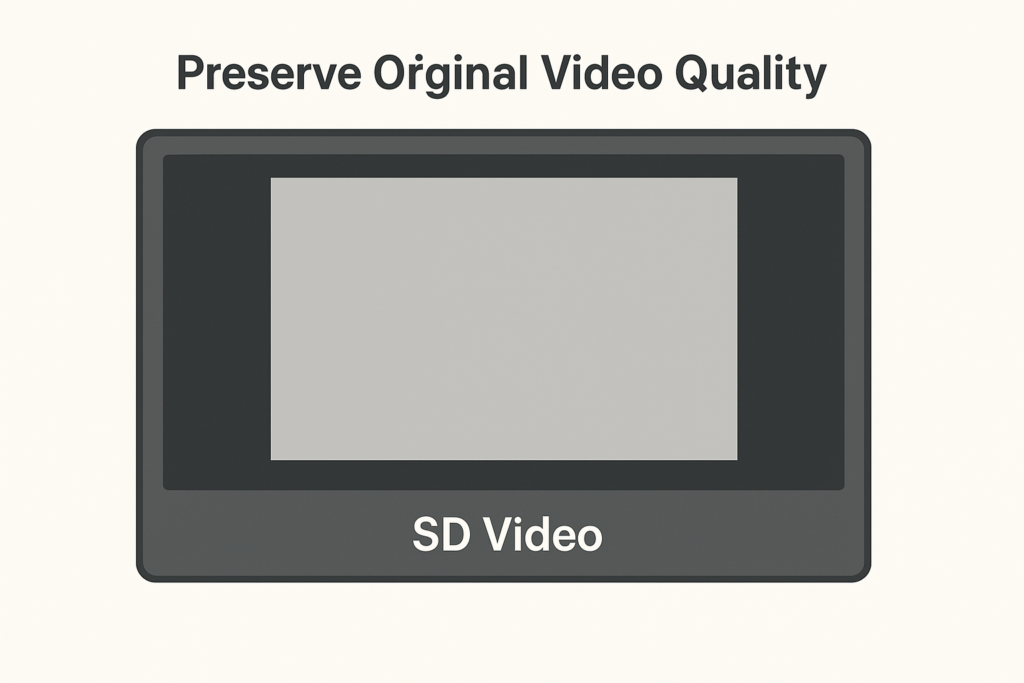
- Add black bars on sides (pillarboxing) or top and bottom (letterboxing) when aspect ratios differ.
- This preserves shape and proportions without stretching content.
- AI-Based Upscaling for Legacy Content:
- Tools like Topaz Video Enhance AI or Adobe Super Resolution can enhance SD videos while retaining details.
- Test on Actual Broadcast Devices:
- Always verify videos on TVs, satellite receivers, or streaming platforms.
- Auto-scaling cannot restore lost detail if original resolution is incorrect.
Global Context
While this problem is noticeable in South Asia, it is global in nature. Many legacy videos worldwide are stretched to fit modern screens, reducing visual integrity.
Professional studios in developed markets often:
- Remaster content for HD or 4K
- Use AI or professional software to upscale without distortion
- Ensure the original video proportions are preserved
Smaller broadcasters with limited budgets often rely on fit-to-screen, making the problem more visible.
Viewer Impact
Viewers are directly affected by this issue:
- Distorted visuals reduce clarity in critical content (news, sports, education)
- Blurred or skewed graphics reduce viewer trust in professional channels
- Long-term, this may affect the channel’s reputation and engagement
Preserving original resolution and using correct scaling techniques ensures a better viewing experience and maintains professional standards.
Conclusion
Fit-to-screen may seem convenient, but it is not a solution for preserving video quality. Stretching SD videos to HD or 4K screens leads to distorted visuals, blurred details, and incorrect aspect ratios.
The key takeaway is simple: preserve original video quality. Use pillarboxing or letterboxing for aspect ratio differences, consider AI-based upscaling for legacy content, and always test on actual devices.
By prioritizing quality over convenience, broadcasters can ensure their audiences see content as it was meant to be seen—clear, accurate, and visually satisfying.
Image Prompt 4 (Optional):
“Comparison showing two HD screens: left side fit-to-screen stretched SD video with distorted visuals; right side properly pillarboxed SD video maintaining original shapes and clarity.”