
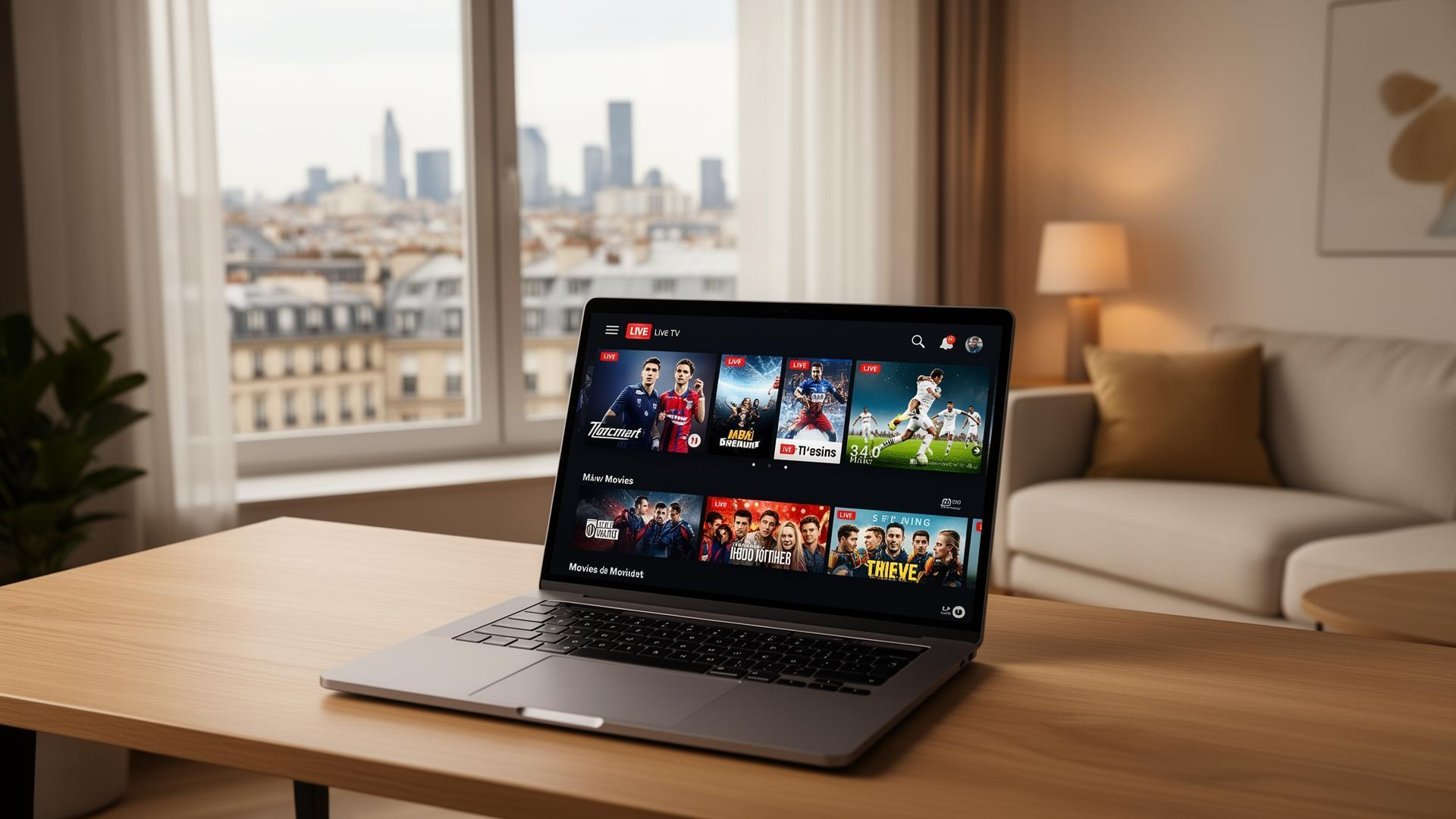
HP TV Plus is a free, ad-supported streaming service introduced by HP Inc. in March 2026. Designed primarily for Windows 11 PCs, the service combines live TV channels with on-demand entertainment, allowing users to watch a variety of content without paying a monthly subscription.
Unlike traditional television services, HP TV Plus operates in the FAST (Free Ad-Supported Streaming Television) market. It offers programming supported by advertisements rather than subscription fees, making it an alternative to platforms such as Tubi, Pluto TV, and The Roku Channel.
In this guide, you will learn what HP TV Plus is, how it works, what content it offers, which devices support it, and how it differs from other services called HP TV.
What Is HP TV Plus?
HP TV Plus, also known as HP TV+, is a streaming service launched by HP Inc., the company best known for its computers, printers, and related technology products.
The service brings together live, scheduled television channels and on-demand programming in one place. Instead of requiring users to purchase a traditional cable or satellite TV package, HP TV Plus provides free access to supported content in exchange for watching advertisements.
Its initial focus was Windows 11 computers, particularly HP consumer PCs. The service also fits into HP’s broader strategy of expanding its advertising and media business beyond traditional computer hardware.
HP TV Plus is not a conventional broadcast television channel, nor is it a standalone smart TV operating system. It is a streaming service that delivers entertainment through compatible devices and software.
Is HP TV Plus Free?
Yes. HP TV Plus is a free, ad-supported streaming service. Users do not need to pay a monthly subscription fee to access its advertised free content.
The service generates revenue through advertising, which can include video commercials and advertisements displayed when playback is paused.
Here is how its pricing model compares with a subscription-based streaming platform:
- Subscription cost: Free access to supported content.
- Advertising: Commercials are used to support the service.
- Content access: Available programming depends on the current channel lineup and content availability.
- Internet connection: An internet connection is required for streaming.
- Paid membership: A paid subscription is not the core requirement for accessing the free service.
Although HP TV Plus does not charge a standard subscription fee, users should expect advertisements during the viewing experience. Its free model makes it an option for people who want additional entertainment without adding another monthly streaming bill.
What Channels Are Available on HP TV Plus?
HP TV Plus offers a mixture of live linear channels and on-demand programming. Its launch lineup included news, food, nature, sports, comedy, crime-related content, and movies.
Examples of channels and programming brands associated with its launch lineup included:
News and Informational Content
USA Today was among the examples of news-related programming associated with the service. Such content can appeal to viewers looking for news updates and general-interest information.
Nature and Educational Programming
PBS Nature offers nature-focused programming, while America’s Test Kitchen is associated with cooking, recipes, and food-related content.
These types of programs give viewers alternatives to conventional entertainment channels.
Sports and Competition
The launch examples included Tennis Channel 2, alongside sports-related programming covering activities such as motorsports, wrestling, poker, and pickleball.
Availability of individual sports programs may vary, and a listing should not be interpreted as a guarantee that every event is available live.
Movies and Entertainment
HP TV Plus also features a variety of entertainment categories, including:
- Action movies
- Comedy films
- Drama
- Horror
- Science fiction
- Crime and mystery programming
- General entertainment
The service’s lineup may change over time as channels and content arrangements are updated. Users should check the current app or official service listing for the latest selection.
How to Watch HP TV Plus
HP TV Plus initially focused on Windows 11 PCs, with particular attention to HP consumer computers.
The general process for accessing a Windows app-based streaming service is straightforward:
- Open the Microsoft Store on a compatible Windows 11 computer.
- Search for HP TV Plus or HP TV+.
- Check the app listing to confirm its publisher, availability, and device compatibility.
- Install the application if it is available for your device and region.
- Open the app and follow any on-screen instructions to start watching.
Availability may differ by region, device, and software version. If the application does not appear in the Microsoft Store, it may not be available for your particular configuration or location.
Users should avoid downloading installers from unverified third-party websites.
Which Devices Support HP TV Plus?
At launch, HP TV Plus was primarily associated with Windows 11 computers, especially HP consumer PCs.
Its availability on other platforms, including Android phones, iPhones, smart TVs, and streaming devices such as Roku, should not be assumed without confirmation from an official listing.
| Device or platform | Availability |
|---|---|
| HP consumer PCs running Windows 11 | Primary launch focus |
| Other compatible Windows 11 PCs | Potential availability, depending on compatibility and region |
| Android phones | Not established as a universal launch feature |
| iPhone and iPad | Not established as a universal launch feature |
| Smart TVs | Broad support not established at launch |
| Roku devices | Broad support not established at launch |
This distinction matters because a service that is available on a Windows computer is not automatically available through a television’s app store.
Before choosing a device specifically for HP TV Plus, check the latest official app information.
HP TV Plus vs. Tubi, Pluto TV, and The Roku Channel
HP TV Plus competes in the free, ad-supported streaming television market, commonly called FAST. Other well-known services in this category include Tubi, Pluto TV, and The Roku Channel.
Although these platforms share a free-with-advertising business model, their device support, content catalogs, and user experiences can differ.
| Feature | HP TV Plus | Tubi | Pluto TV | The Roku Channel |
|---|---|---|---|---|
| Core business model | Free with ads | Free with ads | Free with ads | Free with ads |
| Live channels | Included in its offering | Availability varies by market and offering | A major feature | Available in supported markets |
| On-demand content | Included | Yes | Yes | Yes |
| Initial platform focus | Windows 11 PCs | Broad device support | Broad device support | Roku and supported platforms |
| Subscription required for core free content | No | No | No | No |
HP TV Plus stands out because of its initial association with HP’s PC ecosystem. Tubi, Pluto TV, and The Roku Channel have broader established distribution across multiple types of devices.
The best option depends on the content you want to watch, your location, and the devices you already own.
Why Did HP Launch a Streaming Service?
HP is primarily known for selling computers, printers, and related technology. Its move into streaming reflects a broader opportunity in digital advertising and media distribution.
HP’s existing PC customer base provides a potential way to introduce entertainment services and advertising to users through compatible computers.
The service also aligns with the broader retail media trend, in which companies use their customer relationships, digital platforms, and advertising capabilities to generate additional revenue.
HP’s advertising initiatives, including its media and partner ecosystem, provide context for this strategy. However, the exact relationship between HP TV Plus, HP Media Network, and HP Amplify should be assessed using current official HP documentation.
For HP, an ad-supported streaming service could create opportunities beyond traditional hardware sales. For viewers, the appeal is straightforward: access to additional entertainment without another subscription payment.
Is HP TV Plus Safe and Legitimate?
HP TV Plus is presented as a streaming service from HP Inc., a major technology company. Users should nevertheless verify that they are accessing the genuine application rather than a similarly named third-party app or website.
For safer access:
- Search for the application through the Microsoft Store.
- Verify the publisher and official product information.
- Avoid unofficial downloads that request unnecessary permissions.
- Review the service’s privacy policy and advertising practices.
- Be cautious of websites promising premium access or downloads unrelated to the official service.
As with other ad-supported platforms, users should understand how advertising and data collection may work before using the service.
HP TV Plus vs. Other Services Called HP TV
The name HP TV can refer to several unrelated television services, channels, and online creators. This can cause confusion when searching for information.
Highland Park Television (HPTV)
Highland Park Television is a community-access television service in Highland Park, New Jersey. It carries local government meetings, community events, locally produced programs, and community information.
It is separate from HP TV Plus, the streaming service associated with HP Inc.
Regional Indian Television Channels
Some Indian television listings contain references to HP in connection with Himachal Pradesh. Examples include regional news and entertainment services serving Punjab, Haryana, and Himachal Pradesh.
These channels are unrelated to HP Inc.’s streaming platform.
Independent YouTube Channels Named HP TV
Various independent YouTube creators use the name HP TV. Their content may include local news, fishing, entertainment, and other subjects.
A YouTube channel using this name should not automatically be considered an official HP product.
HP TV and Hidden Power TV
Older satellite television listings have also used HP TV or Hidden Power TV. Such historical references do not necessarily indicate that a service is still broadcasting.
HPItv in Canada
HPItv is a Canadian specialty television network associated with horse racing. Despite the similar abbreviation, it is distinct from HP TV Plus.
When searching for installation instructions, channels, or troubleshooting information, including the words HP TV Plus can help distinguish the streaming service from these unrelated names.
Frequently Asked Questions About HP TV Plus
1. What is HP TV Plus?
HP TV Plus is a free, ad-supported streaming service from HP Inc. It offers live television channels and on-demand programming, with an initial focus on Windows 11 computers.
2. Is HP TV Plus completely free?
The service is designed to provide free access to supported content through an advertising-based business model. Users should check the current app terms for any region-specific conditions or changes.
3. Does HP TV Plus require an HP computer?
HP consumer PCs were a primary focus at launch. Whether the application works on another Windows 11 computer depends on its current compatibility requirements and availability.
4. Can I watch HP TV Plus on my smart TV?
Broad smart TV support was not established at launch. Check official HP information before assuming that the service is available on Samsung, LG, Android TV, Google TV, or other television platforms.
5. Does HP TV Plus have live sports?
Sports-related programming appeared among the service’s launch examples, including tennis and content related to motorsports, wrestling, poker, and pickleball. The availability of specific sports, events, and live broadcasts may change.
6. Is HP TV Plus the same as Netflix?
No. HP TV Plus uses a free, ad-supported model, while Netflix primarily operates through paid subscriptions. Their content libraries, distribution methods, and viewing experiences also differ.
7. Is HP TV Plus available outside the United States?
Availability can depend on the service’s regional rollout, licensing arrangements, and Microsoft Store restrictions. Check the current official listing for your country rather than assuming worldwide availability.
8. Is HP TV Plus the same as Highland Park Television?
No. HP TV Plus is associated with HP Inc. Highland Park Television is a separate community-access television service based in New Jersey.
Final Verdict: Is HP TV Plus Worth Trying?
HP TV Plus is an interesting addition to the free streaming market because it brings live channels and on-demand entertainment into the Windows PC environment.
Its biggest advantage is its free, advertising-supported model, which gives users another way to watch entertainment without paying a conventional subscription fee. Its initial focus on Windows 11 PCs, however, makes device compatibility an important consideration.
For people who primarily watch content on computers, HP TV Plus may be worth exploring. Those who prefer watching on smart TVs or dedicated streaming devices should verify platform support before relying on it as their main television service.
As its channel lineup and availability evolve, checking official HP and Microsoft Store information is the best way to obtain the latest details.