Table of Contents
What is a Satellite Converter (LNB)?
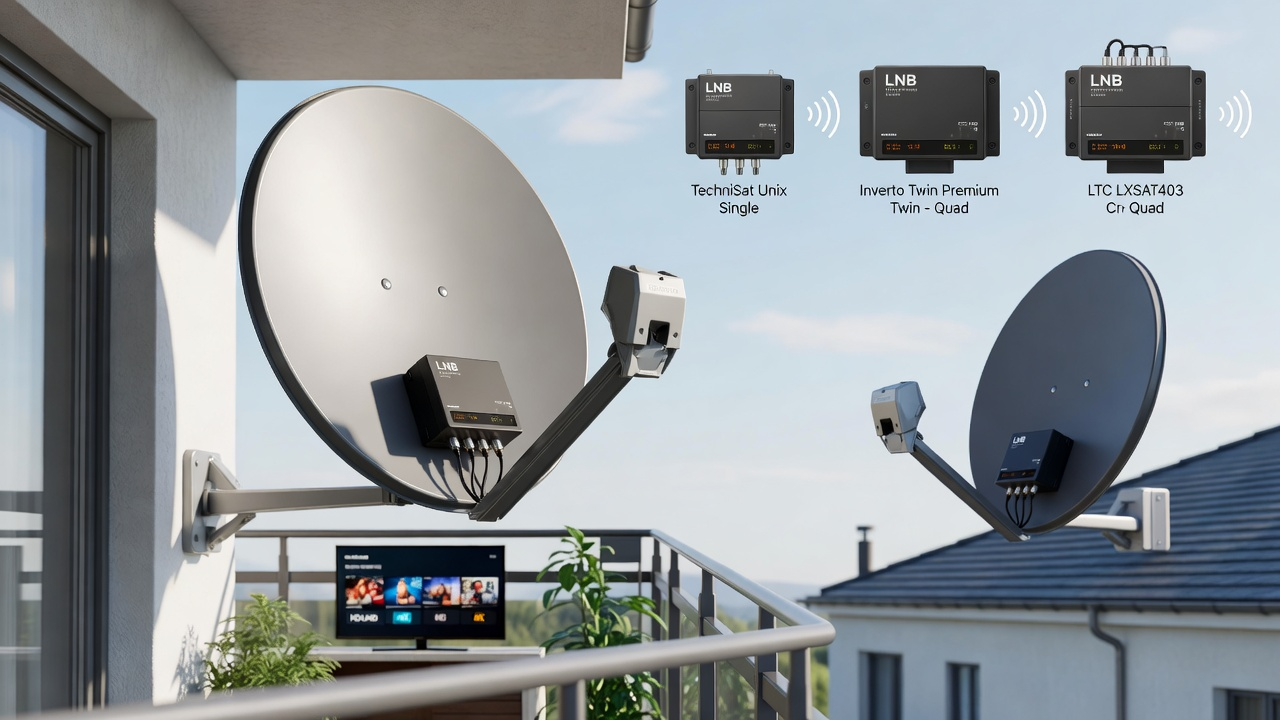
A satellite converter, also known as an LNB (Low Noise Block), is an essential device mounted on a satellite dish arm. It captures signals from satellites, amplifies them, and converts high-frequency signals (10.7–12.75 GHz) into lower frequencies (950–2150 MHz) that your receiver can handle. High-quality satellite converters support horizontal/vertical polarization and low/high bands, ensuring you get the best signal for your home entertainment system.
Key Parameter: Noise figure – the lower, the better (0.1–0.3 dB recommended). Lower noise ensures stable HD/UHD signals even in adverse weather. If you are looking for broader TV solutions, check out our Best Satellite TV Service Providers 2026 guide.
Top Satellite Converters in 2026
Based on the latest rankings of 2026, here are the top recommended LNBs for your setup:
| Model | Type | Key Features | Price (Approx.) |
|---|---|---|---|
| TechniSat Unix Single LNB | Single | High HD/UHD performance, low noise | From 18 zł |
| LTC LXSAT403 | Quad | 4 outputs, 0.1 dB low noise | From 40 zł |
| Opticum Twin Robust | Twin | Dual output, stable signal | From 30 zł |
| Inverto Twin Premium | Twin | Premium quality, interference-free | From 50 zł |
Choosing the Right LNB:
- Single – one tuner
- Twin – two tuners
- Quad – four tuners
- Unicable/Octo – multiroom setups
How to Recognize a Faulty Satellite Converter
A malfunctioning LNB can cause signal loss or interference. Watch for these signs:
- On-screen messages: “No Signal,” “LNB Short,” or “Check Antenna Installation.”
- Image/sound issues: Pixelation, freezing, audio pops, especially during rain or snow.
- Weather sensitivity: Signal drops despite correct antenna alignment.
- Physical damage: Cracks in casing, loose F-connectors, frayed cables.
Tip: Always check the cable and receiver first, then use a signal meter to confirm the LNB status. For more advanced troubleshooting, read our Research on Internet Key Sharing (IKS) in Satellite TV.
How to Install and Align a Satellite Converter
Proper alignment is crucial for stable reception. Here’s a step-by-step guide:
- Mount the LNB on the dish arm and point it toward the satellite.
- Set azimuth and elevation using an online calculator (e.g., satlex.de).
- Adjust skew/polarization angle (Poland: ~7–10° left from dish rear).
- Connect to tuner or signal meter and fine-tune until signal strength reaches 70–80%.
- Ensure clear line of sight – no obstacles like trees or buildings.
Receiving Free-to-Air Satellite Channels
You can watch FTA (Free To Air) channels without subscriptions. For those interested in digital streaming alternatives, check out our guide on Legal Free M3U IPTV Playlists.
- Equipment: 60–80 cm satellite dish, LNB, FTA receiver.
- Hot Bird 13°E: ~20 Polish FTA channels.
- Astra 19.2°E: 600+ international channels.
Satellite Converter Prices & Professional Installation
LNB Pricing: Single units start at 14 zł, while advanced Unicable models range from 100–250 zł. Professional installation typically costs between 60–250 zł depending on roof access and complexity.
Conclusion: Choosing the right satellite converter depends on your number of tuners and resolution requirements. Always opt for low-noise, stable LNBs for the best 4K experience.